> ## Documentation Index
> Fetch the complete documentation index at: https://help.raindrop.io/llms.txt
> Use this file to discover all available pages before exploring further.
# Feedbin
 [Feedbin](https://feedbin.com/) is a fast, simple RSS feed reader. With this integration you can save articles to your bookmarks with one click from the sharing menu.
Go to Feedbin [Share settings](https://feedbin.com/settings/sharing)
[Feedbin](https://feedbin.com/) is a fast, simple RSS feed reader. With this integration you can save articles to your bookmarks with one click from the sharing menu.
Go to Feedbin [Share settings](https://feedbin.com/settings/sharing)
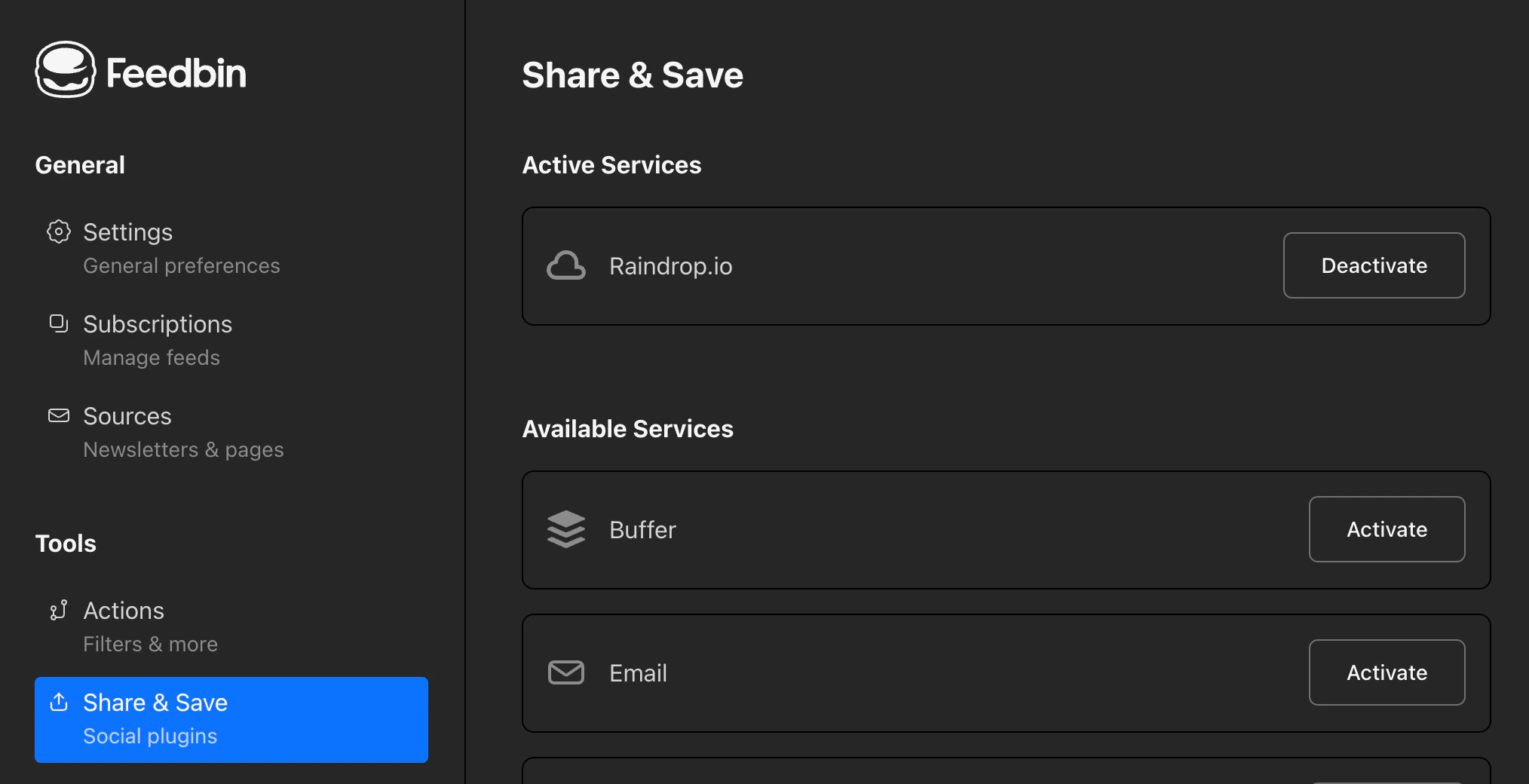 Enable **Raindrop.io**
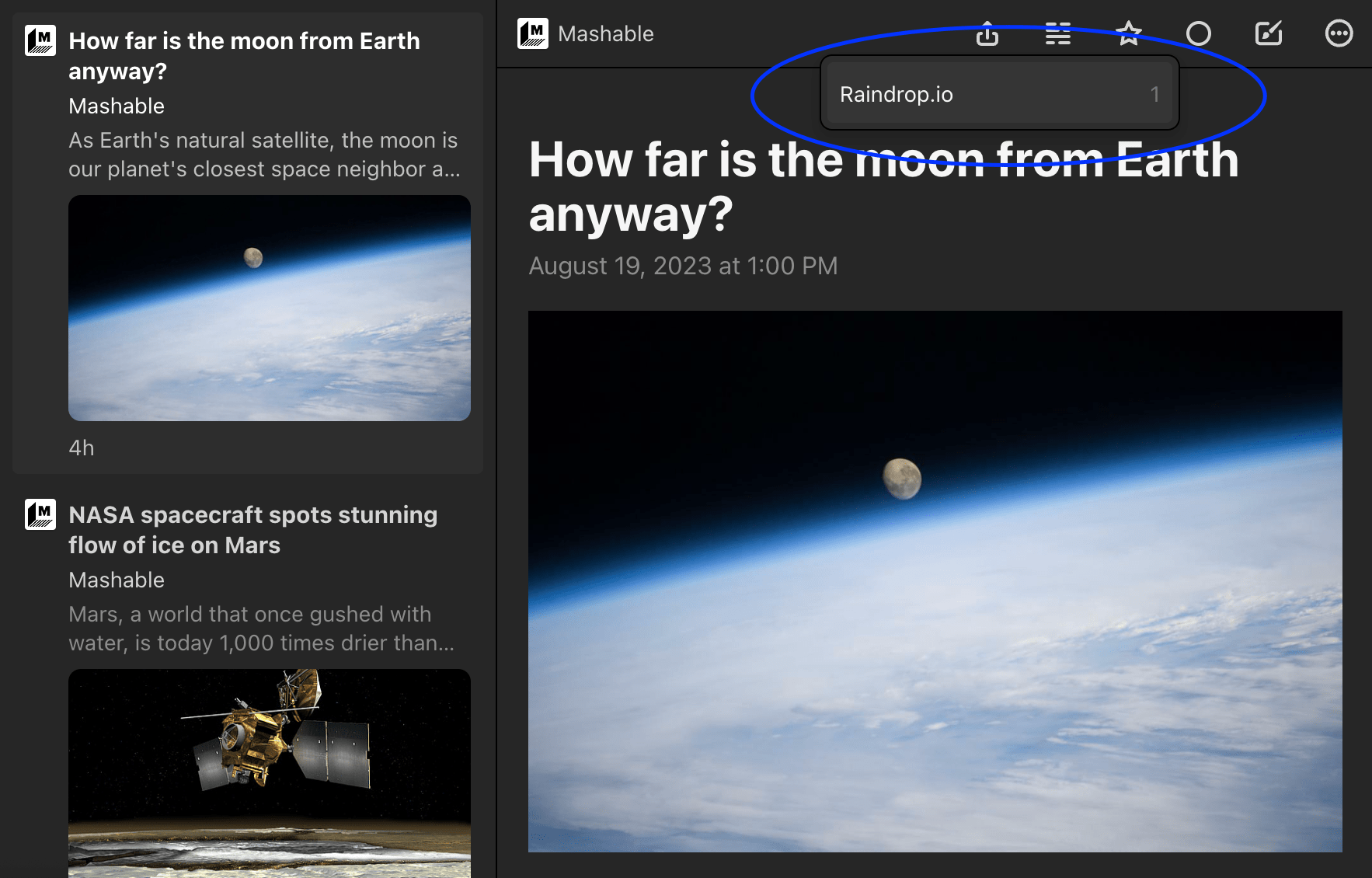
Now when you click share button you can choose Raindrop.io as destination
Enable **Raindrop.io**
Now when you click share button you can choose Raindrop.io as destination