> ## Documentation Index
> Fetch the complete documentation index at: https://help.raindrop.io/llms.txt
> Use this file to discover all available pages before exploring further.
# RSS
RSS is a standard format for subscribing to content updates from websites. With this integration you can automatically save articles from RSS feeds as bookmarks via [IFTTT](/integrations/ifttt), and subscribe to your collections as RSS feeds.
## Saving RSS feeds
Learn more [how to use applets](/integrations/ifttt)
## Subscribing to a collection RSS feed
Every collection has a built-in RSS feed. You can subscribe to it in your favorite RSS reader and get notifications when new items are added.
Open the collection you want to subscribe to
Click the **Share** button
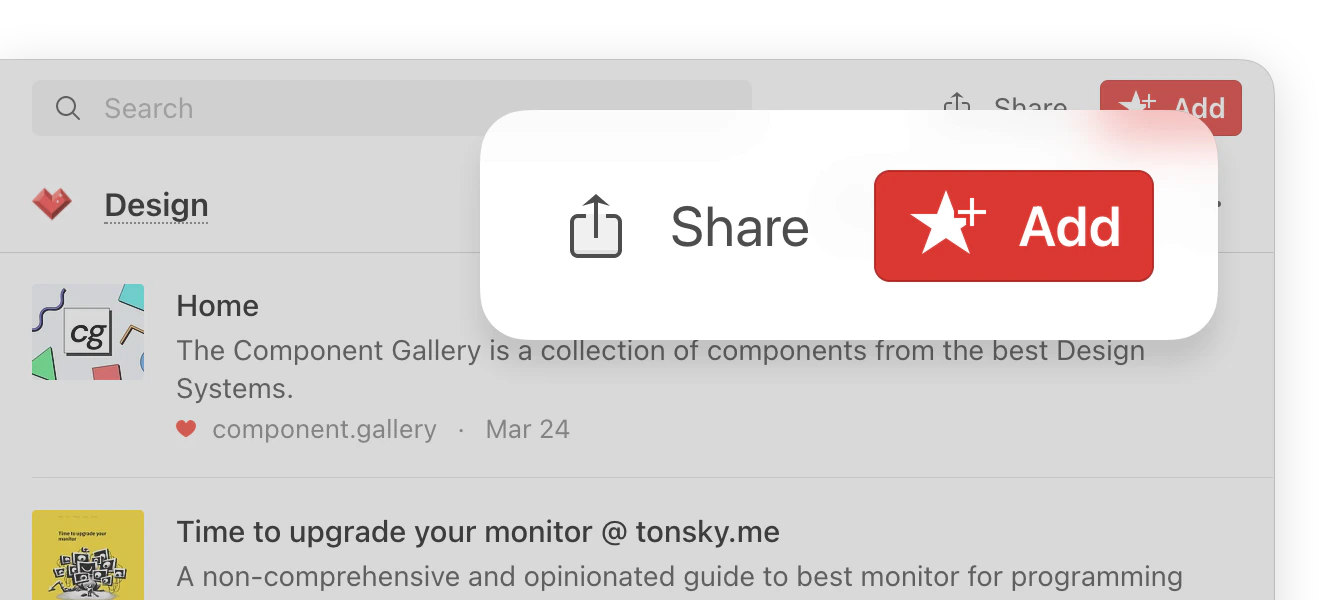 The **Share** button only appears when you are inside a specific collection — it's not visible in "All bookmarks" or other system views.
Copy the RSS feed link
## One-click save from any RSS reader
Many RSS readers let you configure a custom share option. Use this URL to set up one-click save:
```
https://app.raindrop.io/add?link=${url}&title=${title}
```
Replace `${url}` and `${title}` with the appropriate variables as described in your RSS reader's documentation.
The **Share** button only appears when you are inside a specific collection — it's not visible in "All bookmarks" or other system views.
Copy the RSS feed link
## One-click save from any RSS reader
Many RSS readers let you configure a custom share option. Use this URL to set up one-click save:
```
https://app.raindrop.io/add?link=${url}&title=${title}
```
Replace `${url}` and `${title}` with the appropriate variables as described in your RSS reader's documentation.