> ## Documentation Index
> Fetch the complete documentation index at: https://help.raindrop.io/llms.txt
> Use this file to discover all available pages before exploring further.
# Stella AI
> Chat with your bookmarks, organize library, and more
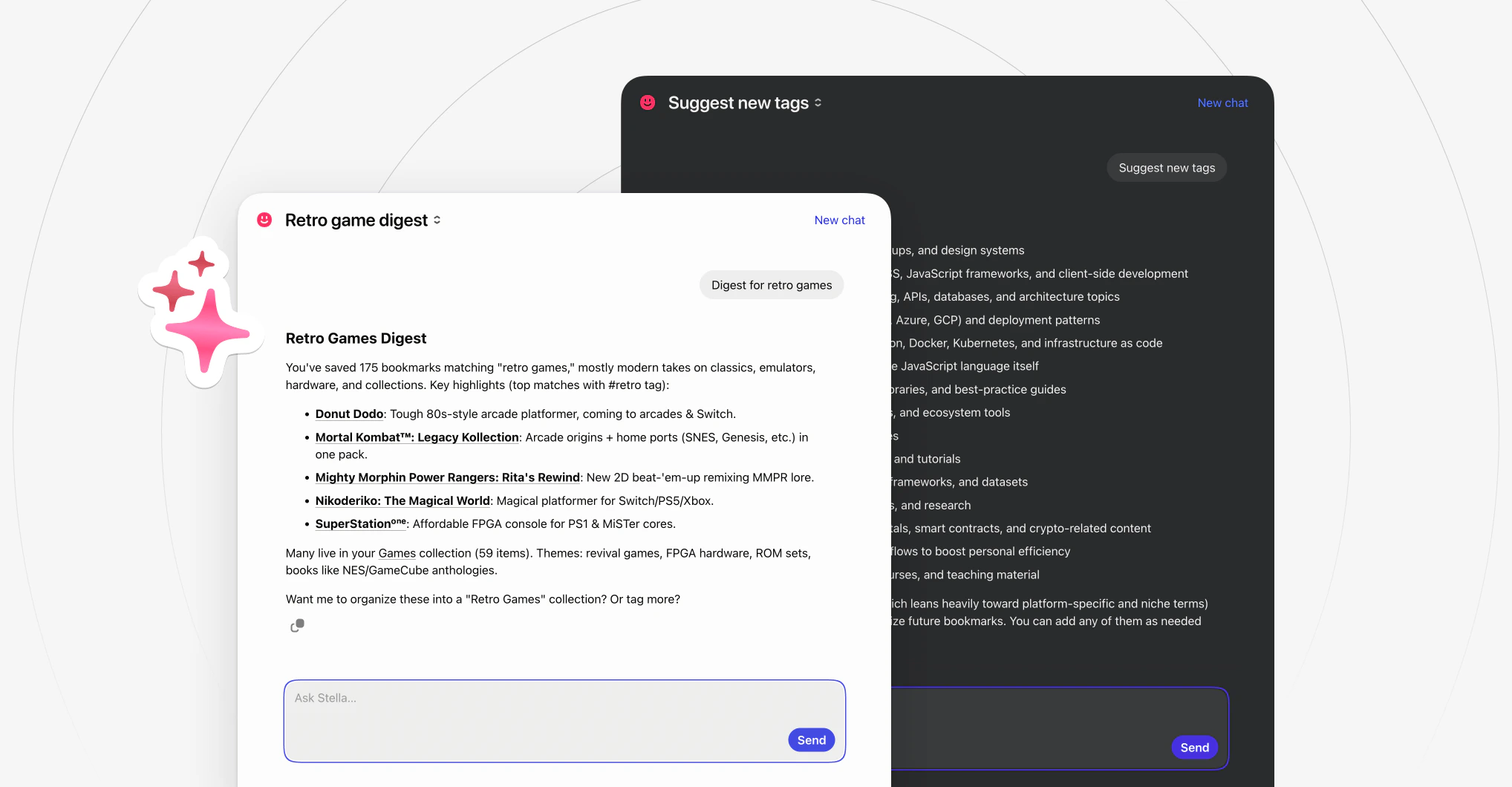
Over time your library becomes your personal knowledge base. **Stella** lets you chat with it — ask questions, get summaries, find things you vaguely remember, or have it organize your collections for you.
Stella is in beta and available for [Pro](/premium-features) users. Your data stays on Raindrop.io's own servers — never shared with third parties or used for training. [More on privacy](#faq)
## Starting a chat
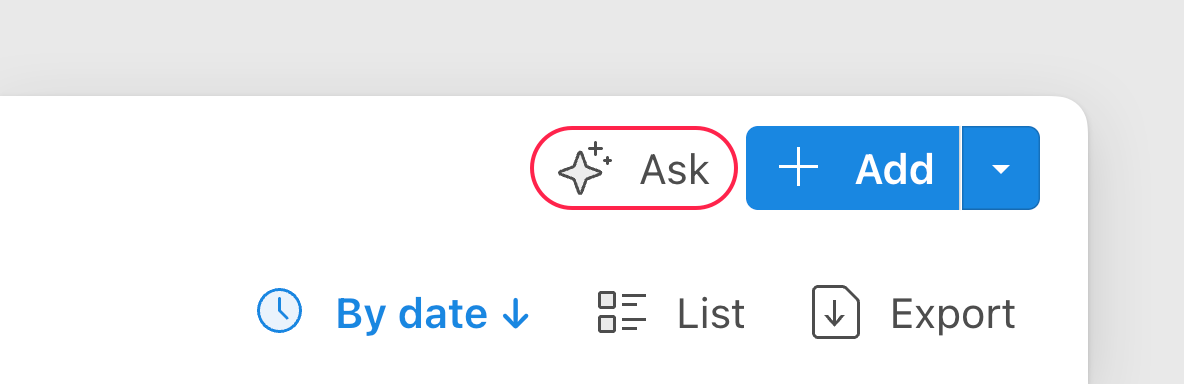
Click the **Ask** button in the top right corner of the app and type what you need.
 To ask about a specific bookmark:
* **Right-click** any bookmark and select Ask
* Open a bookmark and switch to the Ask tab
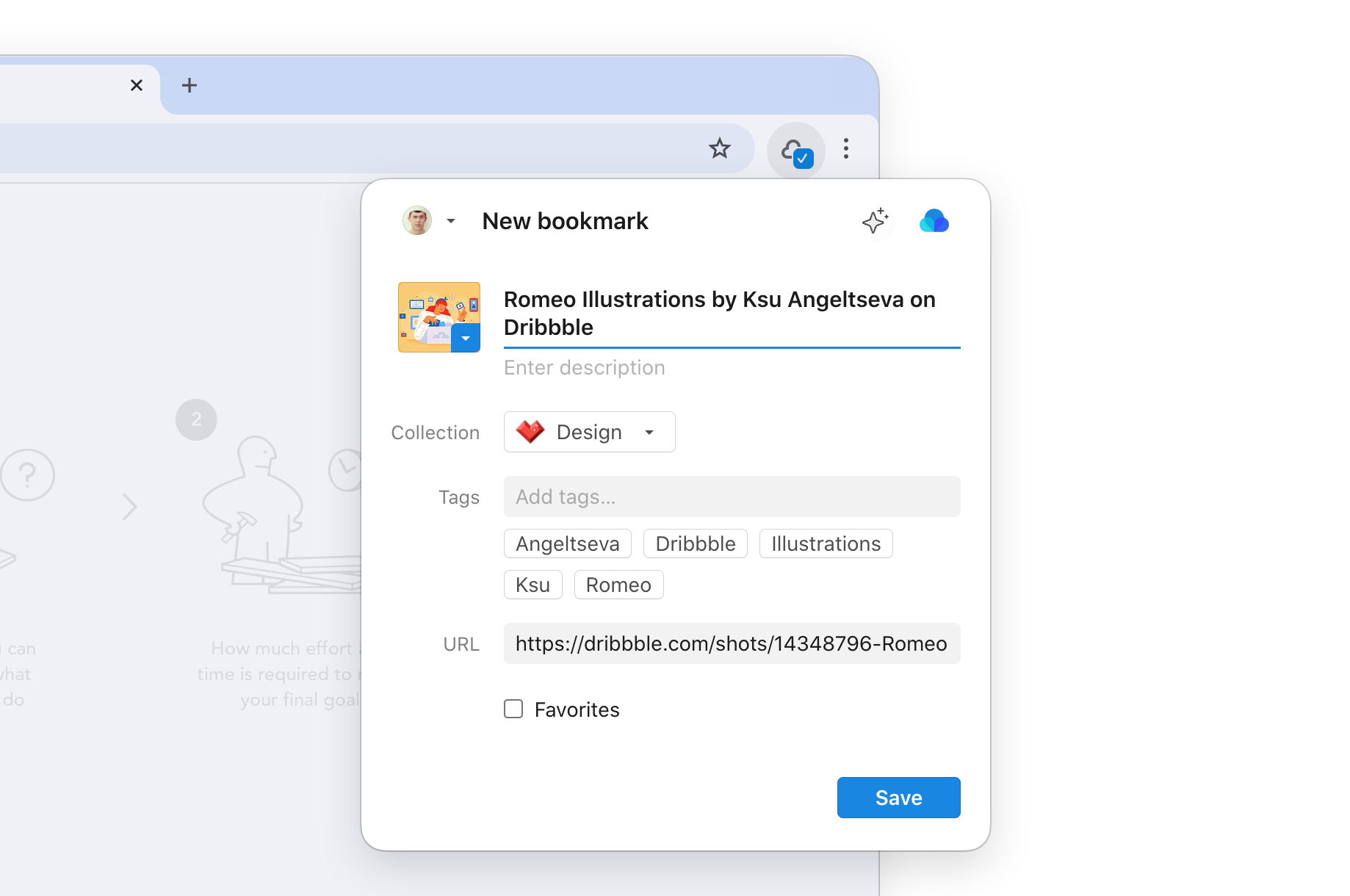
When saving or editing a bookmark in the extension, click the button — it opens a chat about that web page.
To ask about a specific bookmark:
* **Right-click** any bookmark and select Ask
* Open a bookmark and switch to the Ask tab
When saving or editing a bookmark in the extension, click the button — it opens a chat about that web page.
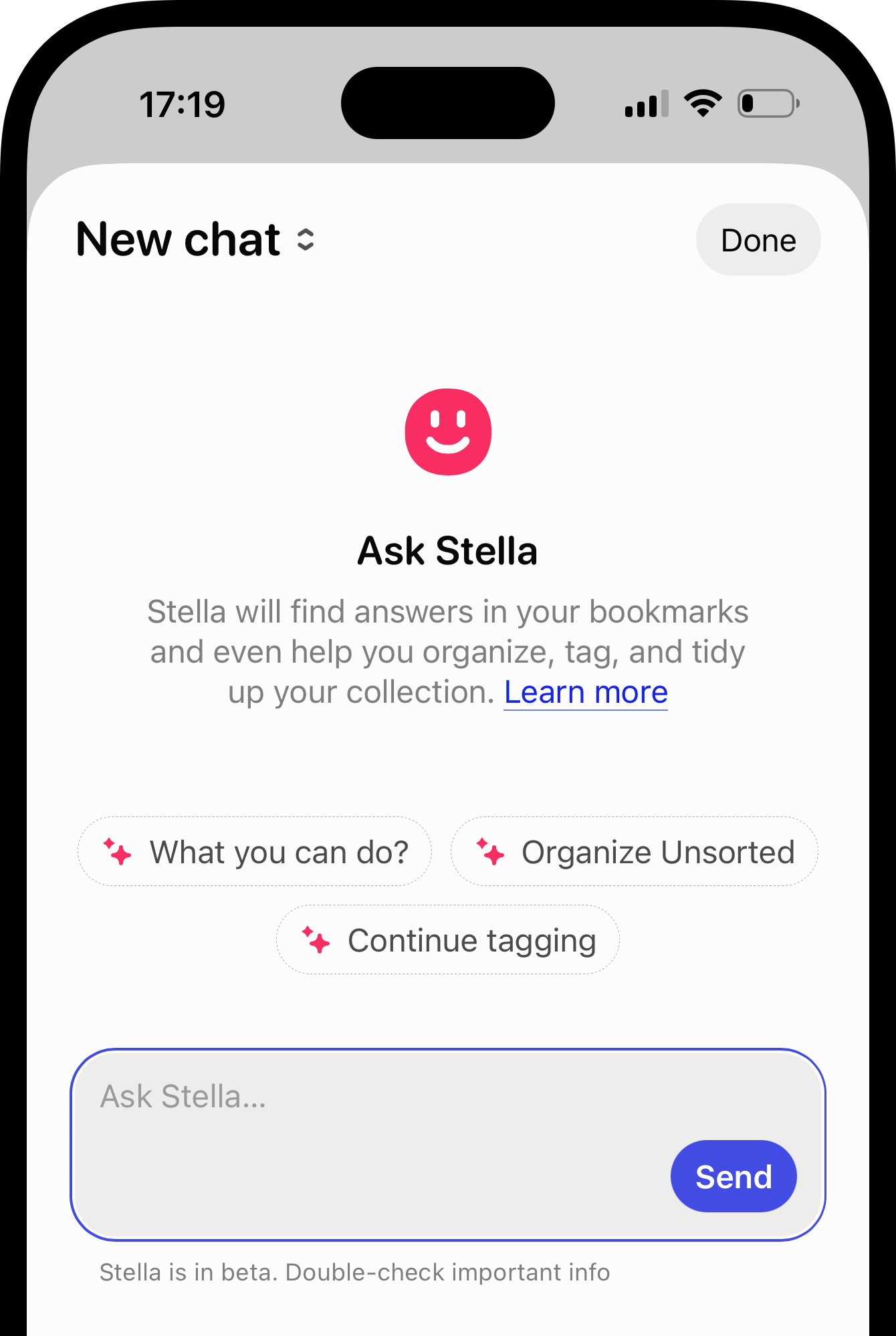
 * Tap the button in the bottom left corner of the app.
* To ask about a specific bookmark, open it and tap at the bottom.
* Tap the button in the bottom left corner of the app.
* To ask about a specific bookmark, open it and tap at the bottom.
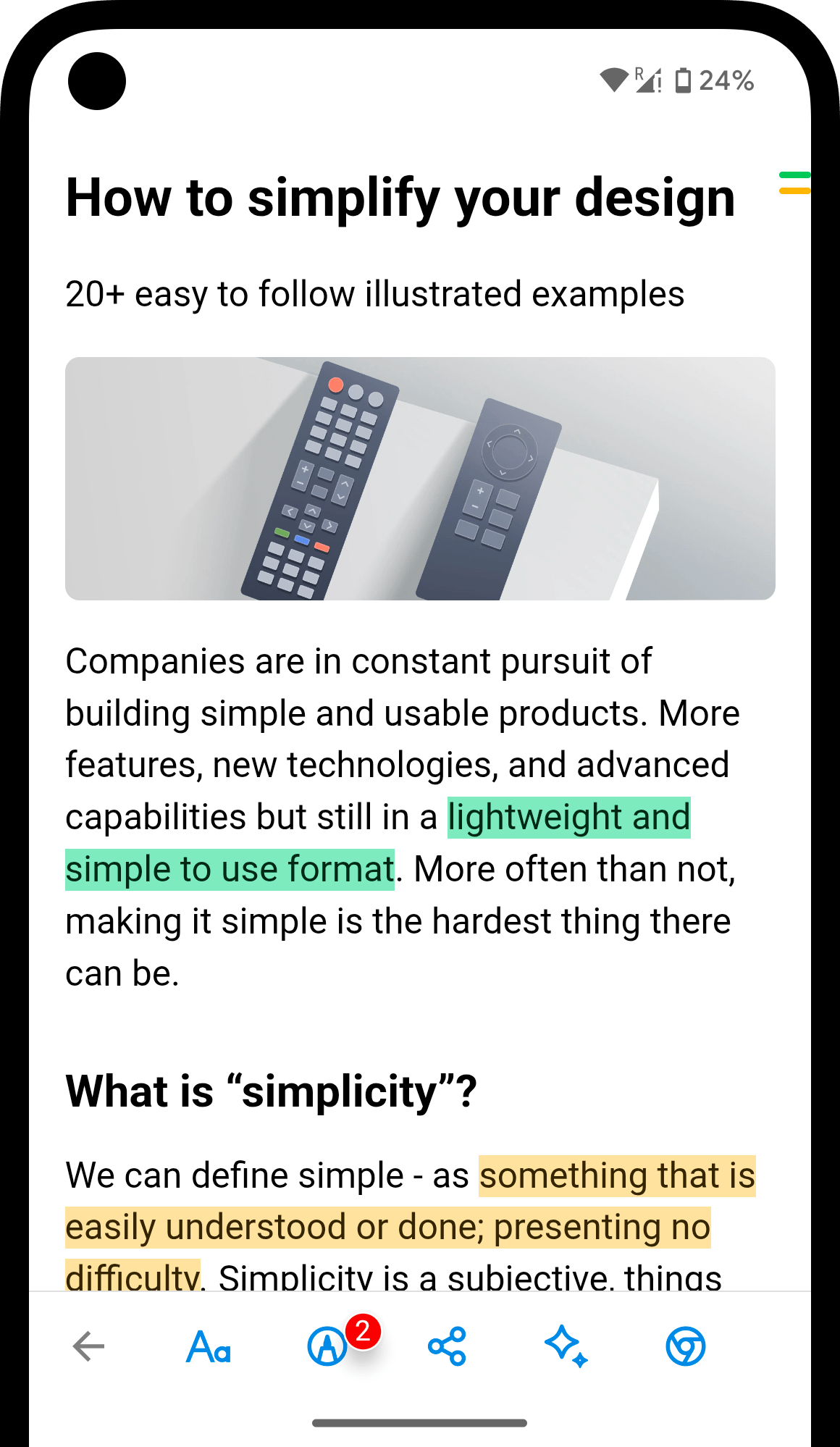
 * Tap the button in the top right corner of the app.
* To ask about a specific bookmark, open it and tap at the bottom.
* Tap the button in the top right corner of the app.
* To ask about a specific bookmark, open it and tap at the bottom.
 ## Asking Stella
Just describe the end result in your language — even if it takes several steps, like `find everything about Japan and move it to Travel`. No need to remember exact names or where you saved things. Every answer links to the source, and any big changes need your confirmation first.
## Asking Stella
Just describe the end result in your language — even if it takes several steps, like `find everything about Japan and move it to Travel`. No need to remember exact names or where you saved things. Every answer links to the source, and any big changes need your confirmation first.
 ### Find
Stella understands meaning, not just keywords. Describe what you're looking for however you remember it.
```
that article about morning routines I saved last spring
```
```
the Italian recipe with the weird ingredient
```
```
travel recommendations for Tokyo from that blogger
```
```
Which bookmarks mention "machine learning" but aren't too technical?
```
```
Find articles similar to this one
```
### Summarize
Get the gist of an article, compare sources, or decide if something is worth reading. Works with YouTube videos too — Stella reads the full transcript, so you can get the key points without watching.
```
Summarize this article in 3 bullet points
```
```
What are the key takeaways from this video?
```
```
Explain this in simple terms
```
```
What do my bookmarks say about productivity?
```
```
Compare these two articles
```
```
What questions does this article answer?
```
```
Is this worth reading if I'm interested in [topic]?
```
### Organize
Sort, tag, clean up duplicates, and reorganize. Stella suggests changes — you review and approve before anything is applied.
```
Organize my Unsorted bookmarks into collections
```
```
Suggest a better structure for my library
```
```
Find articles about Formula 1 and tag them by team
```
```
Find everything about Japan and move it to Travel
```
```
Clean up my tags — merge duplicates like "recipe" and "recipes"
```
```
Find broken links
```
```
Show duplicate bookmarks
```
### Rediscover
Surface patterns, forgotten bookmarks, and insights from what you've collected over time.
```
What topics do I save the most?
```
```
What have I been saving lately?
```
```
Create a reading list from my design bookmarks
```
```
Show my highlights about productivity
```
### Get help
Have a question about Raindrop.io features, plans, or setup? Ask Stella directly.
```
How do I share a collection publicly?
```
```
Where can I change keyboard shortcuts?
```
```
How do I set up the browser extension?
```
## Reopening chats
All conversations are saved automatically. Click the chat name (or New chat) in the top left corner to see the list of previous chats and continue any of them.
## Limitations
* New bookmarks need a few minutes to be indexed before Stella can find them
* Responses are usually accurate but not guaranteed — verify anything critical
## FAQ
Yes. Raindrop.io uses an open-source LLM hosted on its own infrastructure — your data never leaves the servers and is never used for training. All communication is encrypted with TLS 1.2+.
Stella only activates when you open a chat and ask a question — it doesn't run in the background. To hide the button, go to [Settings → App](https://app.raindrop.io/settings/app).
No hard caps on messages. A temporary cooldown may apply during heavy use. All chats are saved, but only the 100 most recent are displayed for now.
Stella supports many languages: Arabic, Catalan, Chinese, Czech, Danish, Dutch, English, Finnish, French, German, Greek, Hebrew, Hungarian, Indonesian, Italian, Japanese, Korean, Malay, Norwegian, Polish, Portuguese, Romanian, Russian, Spanish, Swedish, Thai, Turkish, Ukrainian, and Vietnamese. Just write in your language, no settings needed.
Yes. Stella reads the full transcript of a YouTube video, so you can ask for a summary, key takeaways, or specific details — without watching the whole thing. Just save the video and ask about it like any other bookmark.
No. But you can get all of Stella's capabilities inside ChatGPT, Claude, and other AI assistants via [MCP](/integrations/mcp).
## Related
Use your library in ChatGPT, Claude, and other AI tools
### Find
Stella understands meaning, not just keywords. Describe what you're looking for however you remember it.
```
that article about morning routines I saved last spring
```
```
the Italian recipe with the weird ingredient
```
```
travel recommendations for Tokyo from that blogger
```
```
Which bookmarks mention "machine learning" but aren't too technical?
```
```
Find articles similar to this one
```
### Summarize
Get the gist of an article, compare sources, or decide if something is worth reading. Works with YouTube videos too — Stella reads the full transcript, so you can get the key points without watching.
```
Summarize this article in 3 bullet points
```
```
What are the key takeaways from this video?
```
```
Explain this in simple terms
```
```
What do my bookmarks say about productivity?
```
```
Compare these two articles
```
```
What questions does this article answer?
```
```
Is this worth reading if I'm interested in [topic]?
```
### Organize
Sort, tag, clean up duplicates, and reorganize. Stella suggests changes — you review and approve before anything is applied.
```
Organize my Unsorted bookmarks into collections
```
```
Suggest a better structure for my library
```
```
Find articles about Formula 1 and tag them by team
```
```
Find everything about Japan and move it to Travel
```
```
Clean up my tags — merge duplicates like "recipe" and "recipes"
```
```
Find broken links
```
```
Show duplicate bookmarks
```
### Rediscover
Surface patterns, forgotten bookmarks, and insights from what you've collected over time.
```
What topics do I save the most?
```
```
What have I been saving lately?
```
```
Create a reading list from my design bookmarks
```
```
Show my highlights about productivity
```
### Get help
Have a question about Raindrop.io features, plans, or setup? Ask Stella directly.
```
How do I share a collection publicly?
```
```
Where can I change keyboard shortcuts?
```
```
How do I set up the browser extension?
```
## Reopening chats
All conversations are saved automatically. Click the chat name (or New chat) in the top left corner to see the list of previous chats and continue any of them.
## Limitations
* New bookmarks need a few minutes to be indexed before Stella can find them
* Responses are usually accurate but not guaranteed — verify anything critical
## FAQ
Yes. Raindrop.io uses an open-source LLM hosted on its own infrastructure — your data never leaves the servers and is never used for training. All communication is encrypted with TLS 1.2+.
Stella only activates when you open a chat and ask a question — it doesn't run in the background. To hide the button, go to [Settings → App](https://app.raindrop.io/settings/app).
No hard caps on messages. A temporary cooldown may apply during heavy use. All chats are saved, but only the 100 most recent are displayed for now.
Stella supports many languages: Arabic, Catalan, Chinese, Czech, Danish, Dutch, English, Finnish, French, German, Greek, Hebrew, Hungarian, Indonesian, Italian, Japanese, Korean, Malay, Norwegian, Polish, Portuguese, Romanian, Russian, Spanish, Swedish, Thai, Turkish, Ukrainian, and Vietnamese. Just write in your language, no settings needed.
Yes. Stella reads the full transcript of a YouTube video, so you can ask for a summary, key takeaways, or specific details — without watching the whole thing. Just save the video and ask about it like any other bookmark.
No. But you can get all of Stella's capabilities inside ChatGPT, Claude, and other AI assistants via [MCP](/integrations/mcp).
## Related
Use your library in ChatGPT, Claude, and other AI tools