
Saving RSS feeds

RSS to Raindrop.io
Subscribing to a collection RSS feed
Every collection has a built-in RSS feed. You can subscribe to it in your favorite RSS reader and get notifications when new items are added.1
Open the collection you want to subscribe to
2
Click the Share button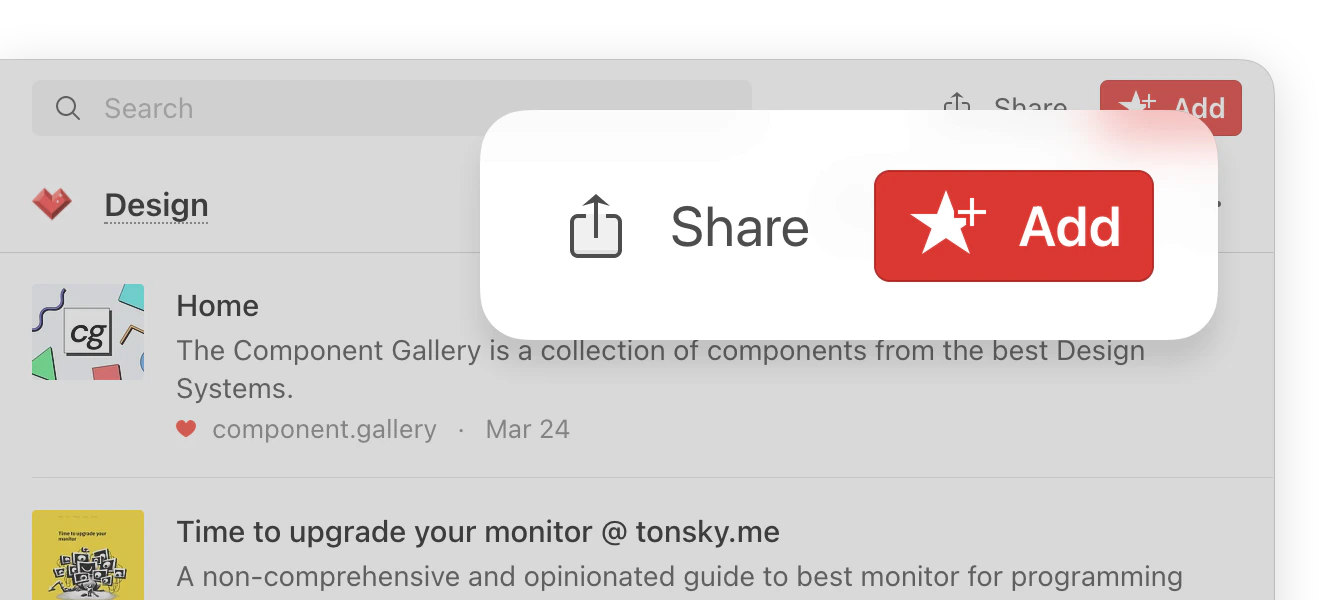
The Share button only appears when you are inside a specific collection — it’s not visible in “All bookmarks” or other system views.
3
Copy the RSS feed link
One-click save from any RSS reader
Many RSS readers let you configure a custom share option. Use this URL to set up one-click save:${url} and ${title} with the appropriate variables as described in your RSS reader’s documentation.