
Duplicate detection is a premium feature.
Finding duplicates
- Web & Desktop
- iOS
- Android
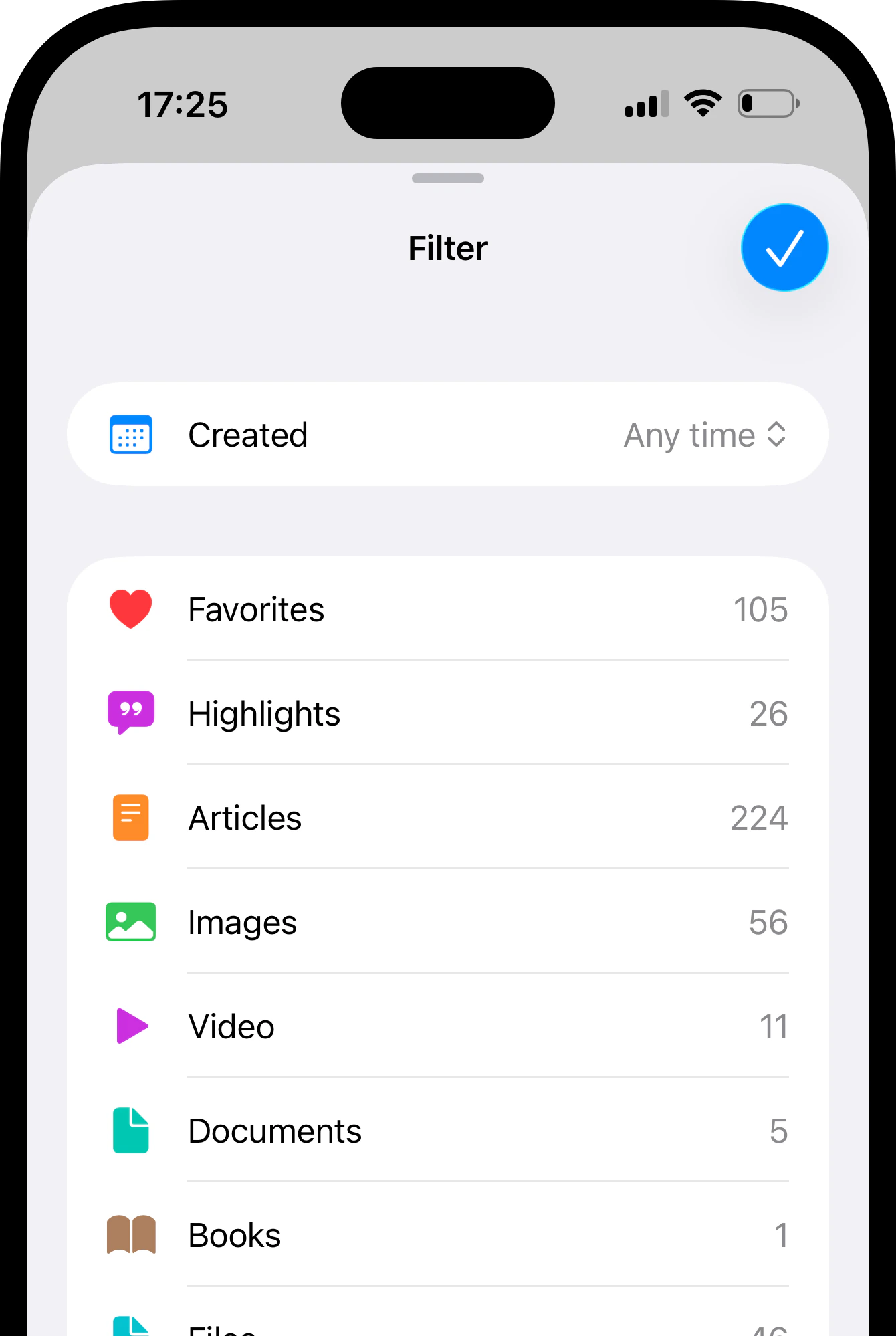
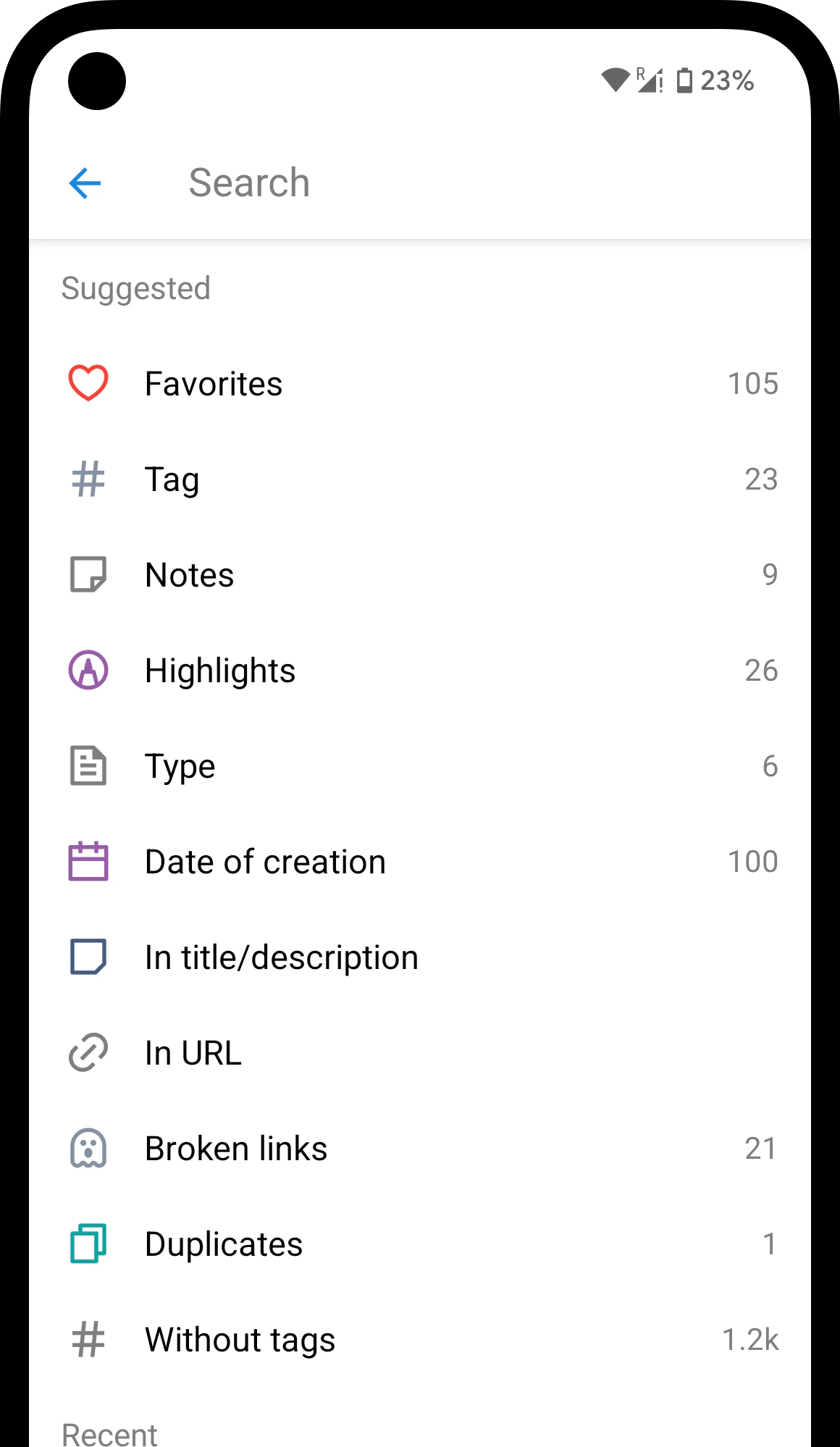
Click the Duplicates filter in sidebar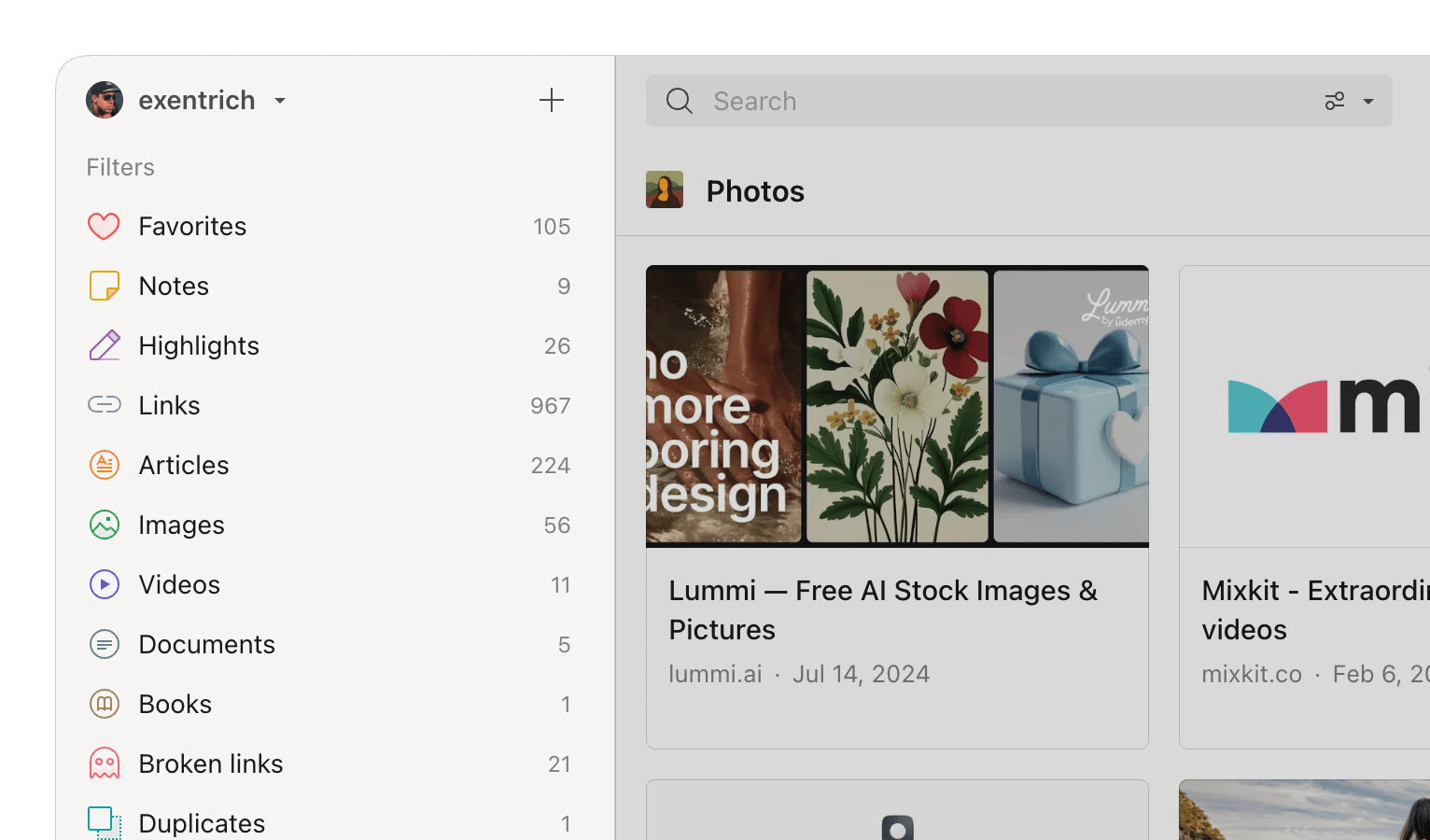
Removing duplicates
- Web & Desktop
- iOS
- Android
1
Find duplicates using the steps above.
2
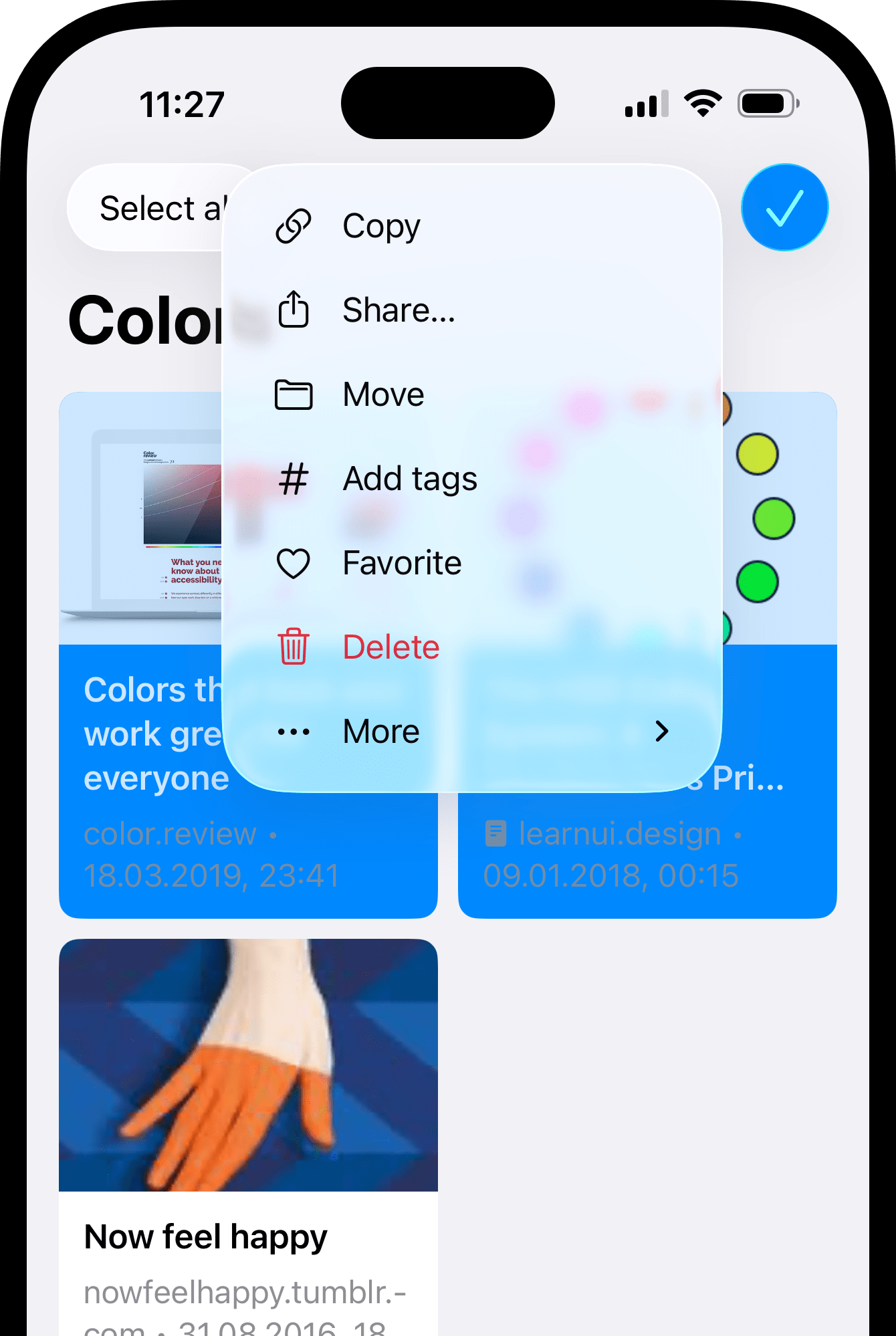
Hover over each item and click the checkbox that appears, or use Select all.
3
Click Delete in the toolbar at the top.
How detection works
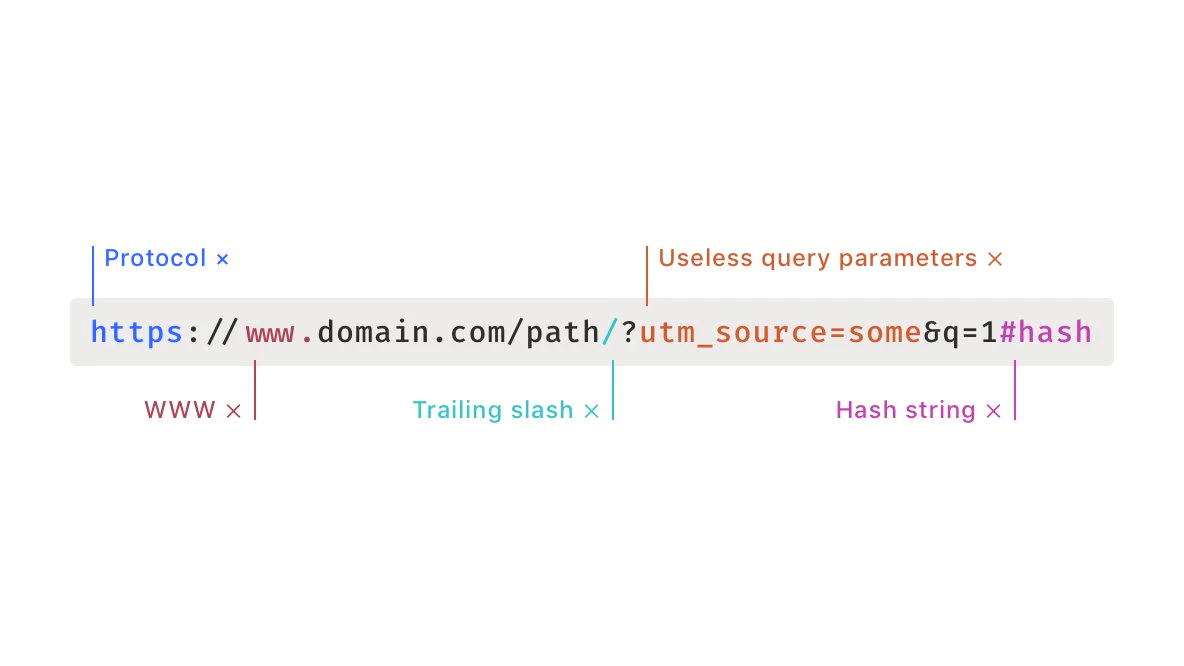
A bookmark counts as a duplicate only when its URL matches another saved bookmark exactly. Before comparing, Raindrop.io strips away differences that don’t affect the actual page: protocol (http vs https), www prefix, trailing slashes, tracking query parameters (like referral or ad source IDs), and hash fragments.
FAQ
Can I find duplicates across all collections at once?
Can I find duplicates across all collections at once?
Yes. Open All bookmarks and apply the Duplicates filter — it scans your entire library.
Will removing duplicates delete the original bookmark too?
Will removing duplicates delete the original bookmark too?
No. The duplicate list only contains extra copies. Originals stay in place.
Related
Filters
Narrow down bookmarks by type, tag, date, and more
Broken links
Find bookmarks that point to pages that no longer exist