
Stella is in beta and available for Pro users. Your data stays on Raindrop.io’s own servers — never shared with third parties or used for training. More on privacy
Starting a chat
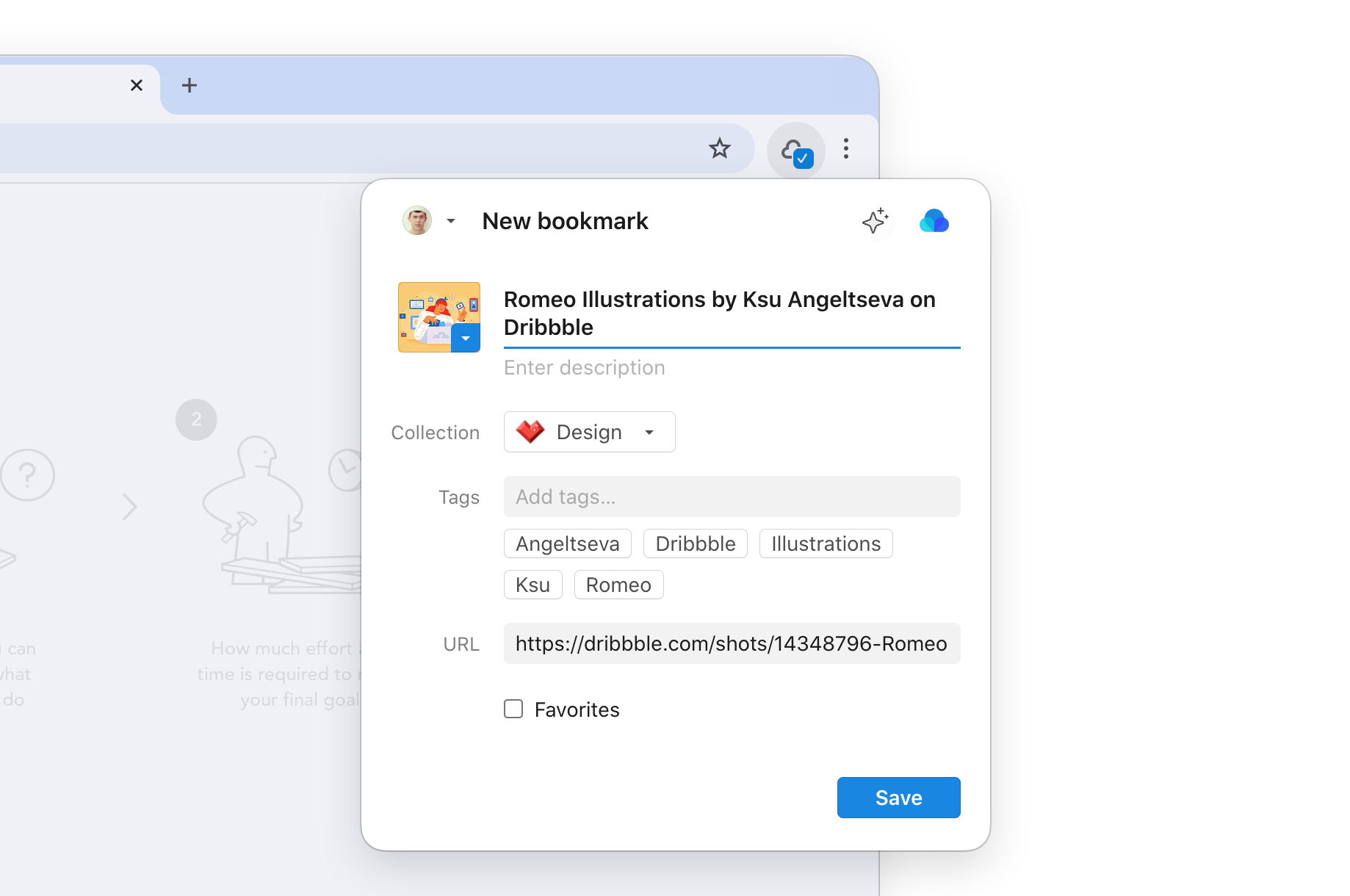
- Web & Desktop
- Browser extension
- iOS
- Android
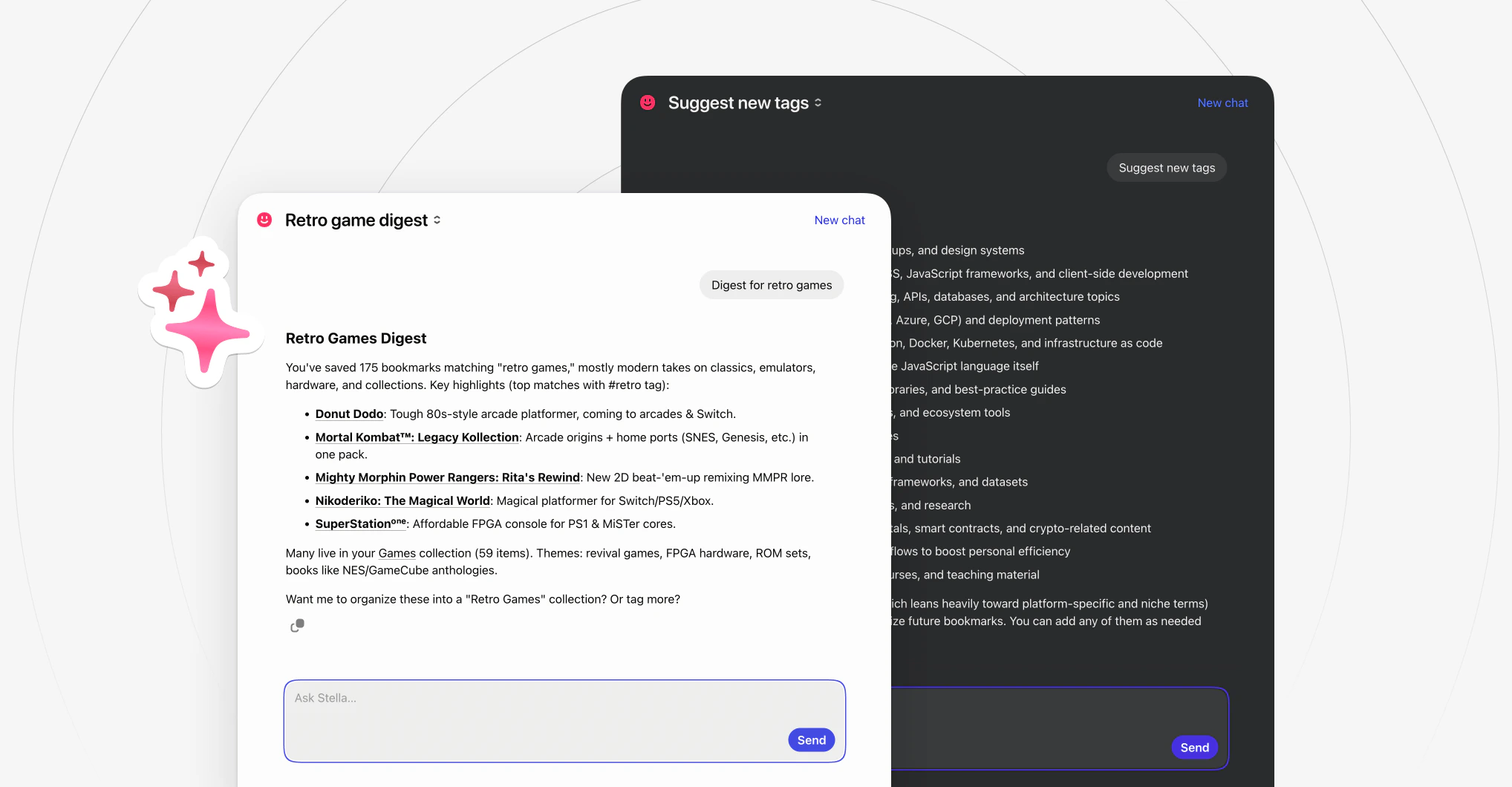
Click the Ask button in the top right corner of the app and type what you need.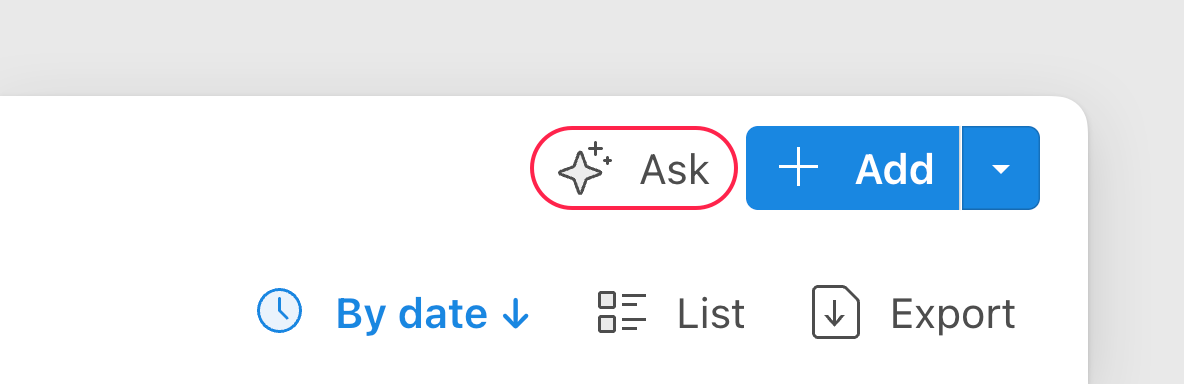
- Right-click any bookmark and select Ask
- Open a bookmark and switch to the Ask tab
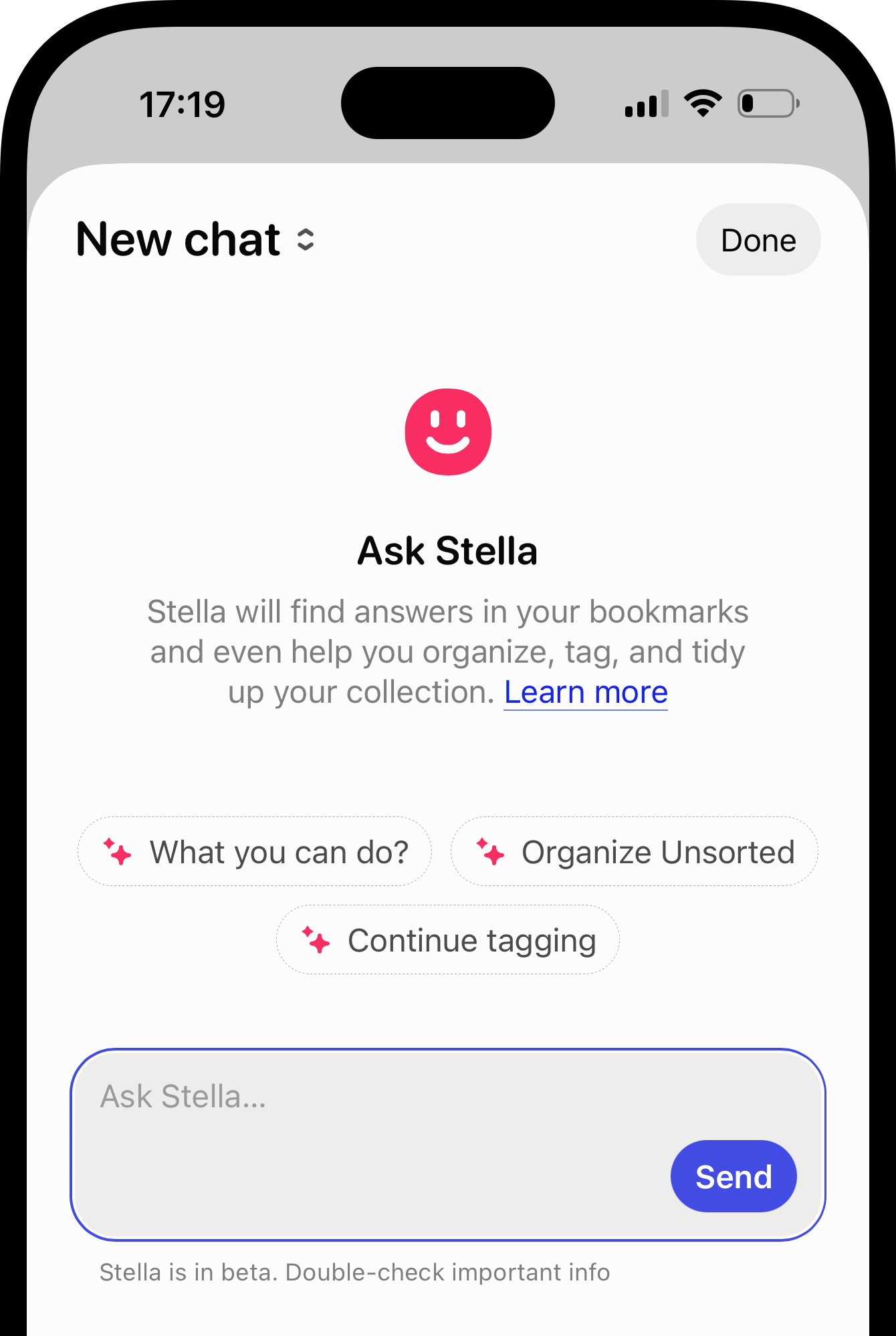
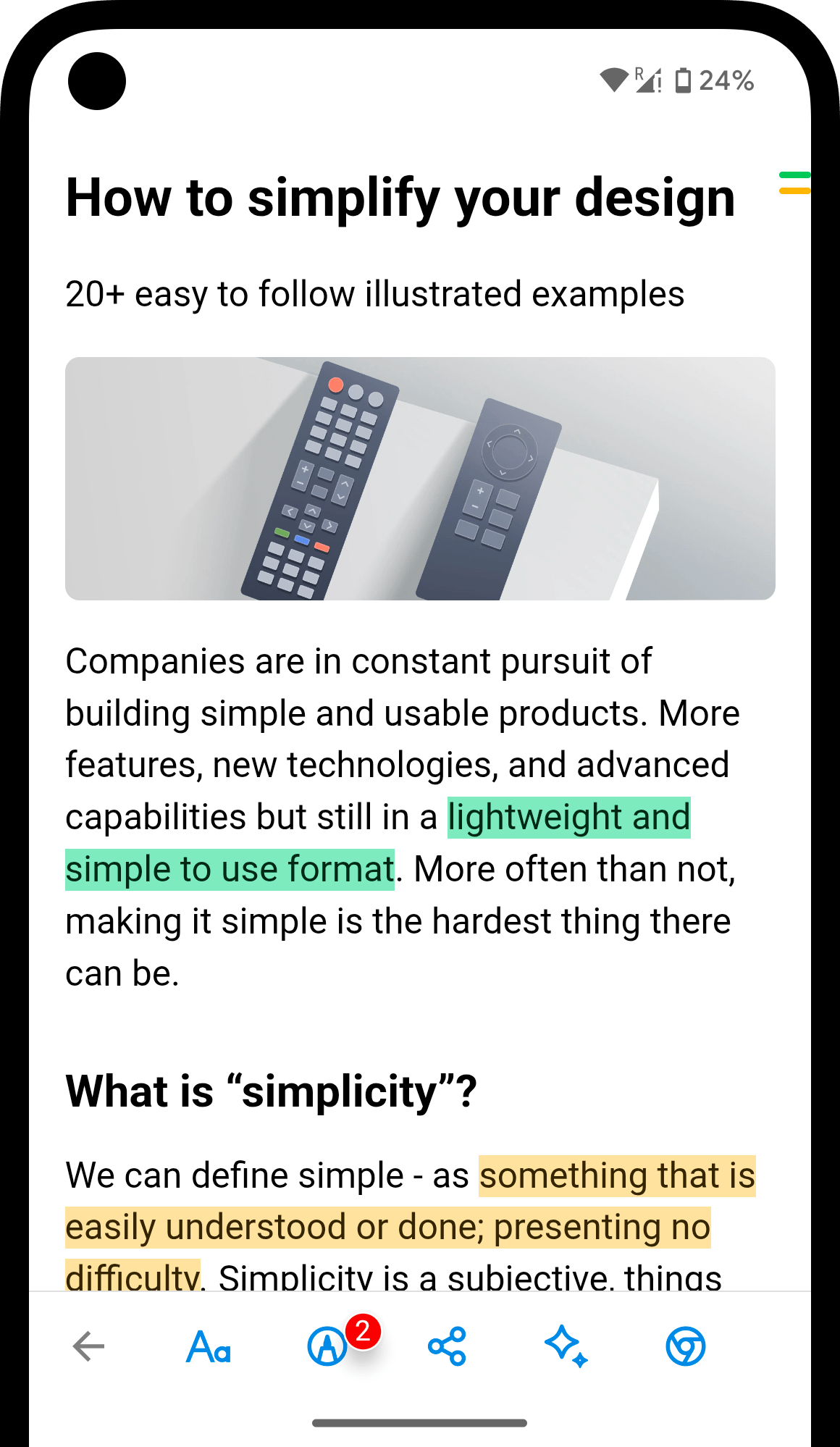
Asking Stella
Just describe the end result in your language — even if it takes several steps, likefind everything about Japan and move it to Travel. No need to remember exact names or where you saved things. Every answer links to the source, and any big changes need your confirmation first.
Find
Stella understands meaning, not just keywords. Describe what you’re looking for however you remember it.Examples
Examples
Summarize
Get the gist of an article, compare sources, or decide if something is worth reading. Works with YouTube videos too — Stella reads the full transcript, so you can get the key points without watching.Examples
Examples
Organize
Sort, tag, clean up duplicates, and reorganize. Stella suggests changes — you review and approve before anything is applied.Examples
Examples
Rediscover
Surface patterns, forgotten bookmarks, and insights from what you’ve collected over time.Examples
Examples
Get help
Have a question about Raindrop.io features, plans, or setup? Ask Stella directly.Examples
Examples
Reopening chats
All conversations are saved automatically. Click the chat name (or New chat) in the top left corner to see the list of previous chats and continue any of them.Limitations
- New bookmarks need a few minutes to be indexed before Stella can find them
- Responses are usually accurate but not guaranteed — verify anything critical
FAQ
Is my data private?
Is my data private?
Yes. Raindrop.io uses an open-source LLM hosted on its own infrastructure — your data never leaves the servers and is never used for training. All communication is encrypted with TLS 1.2+.
Can I disable Stella?
Can I disable Stella?
Stella only activates when you open a chat and ask a question — it doesn’t run in the background. To hide the button, go to Settings → App.
Are there limits on messages or chats?
Are there limits on messages or chats?
No hard caps on messages. A temporary cooldown may apply during heavy use. All chats are saved, but only the 100 most recent are displayed for now.
What languages are supported?
What languages are supported?
Stella supports many languages: Arabic, Catalan, Chinese, Czech, Danish, Dutch, English, Finnish, French, German, Greek, Hebrew, Hungarian, Indonesian, Italian, Japanese, Korean, Malay, Norwegian, Polish, Portuguese, Romanian, Russian, Spanish, Swedish, Thai, Turkish, Ukrainian, and Vietnamese. Just write in your language, no settings needed.
Does Stella work with YouTube videos?
Does Stella work with YouTube videos?
Yes. Stella reads the full transcript of a YouTube video, so you can ask for a summary, key takeaways, or specific details — without watching the whole thing. Just save the video and ask about it like any other bookmark.
Can I use my own AI model?
Can I use my own AI model?
No. But you can get all of Stella’s capabilities inside ChatGPT, Claude, and other AI assistants via MCP.
Related
MCP
Use your library in ChatGPT, Claude, and other AI tools