
- Web & Desktop
- Mobile app
Install the browser extension
First things first — install the browser extension. It’s the fastest way to save anything you find online. Once installed, pin it to your toolbar so it’s always one click away.Save your first bookmark
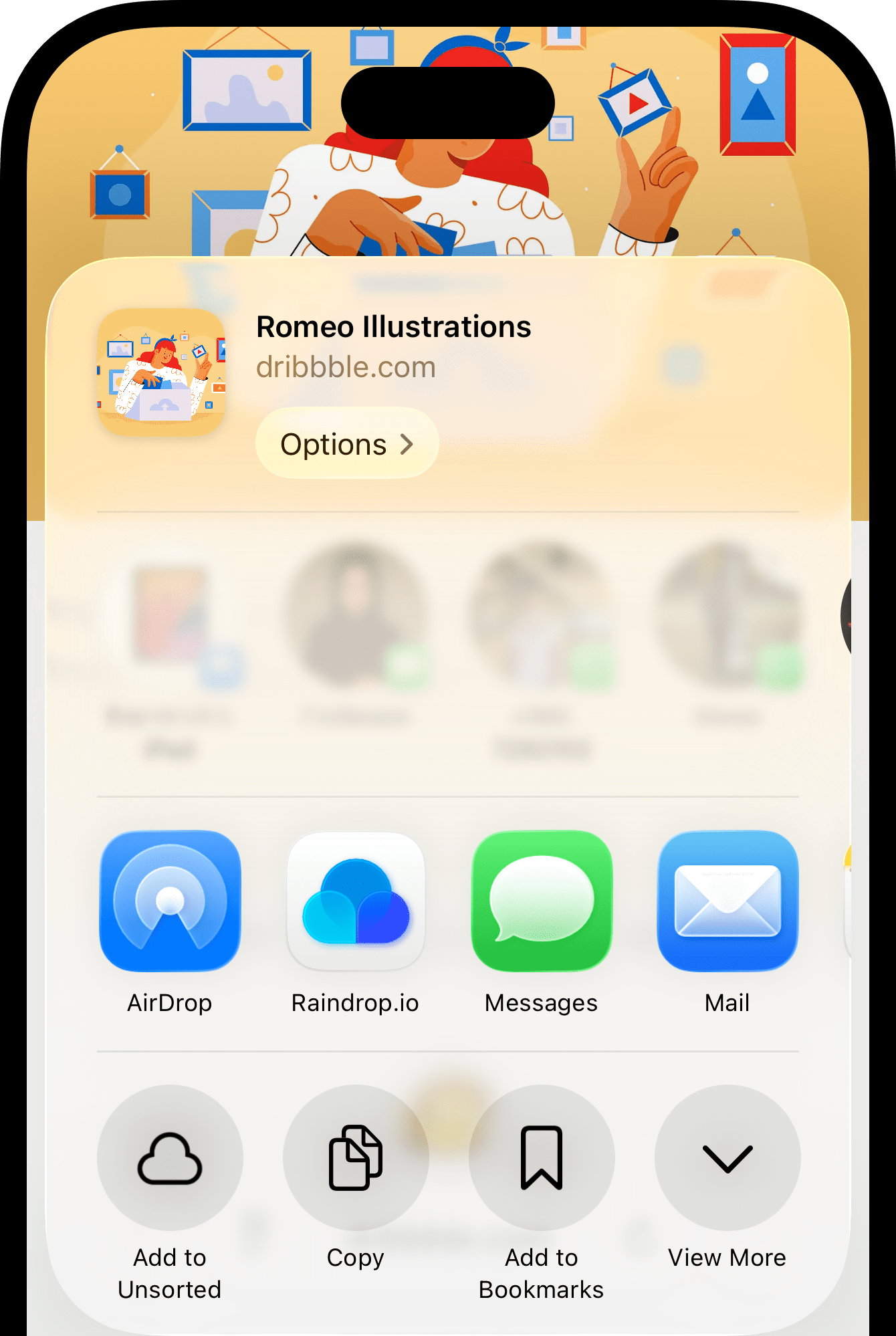
Try it out — click icon on any page to save it. That’s it, your first bookmark is in Raindrop.io.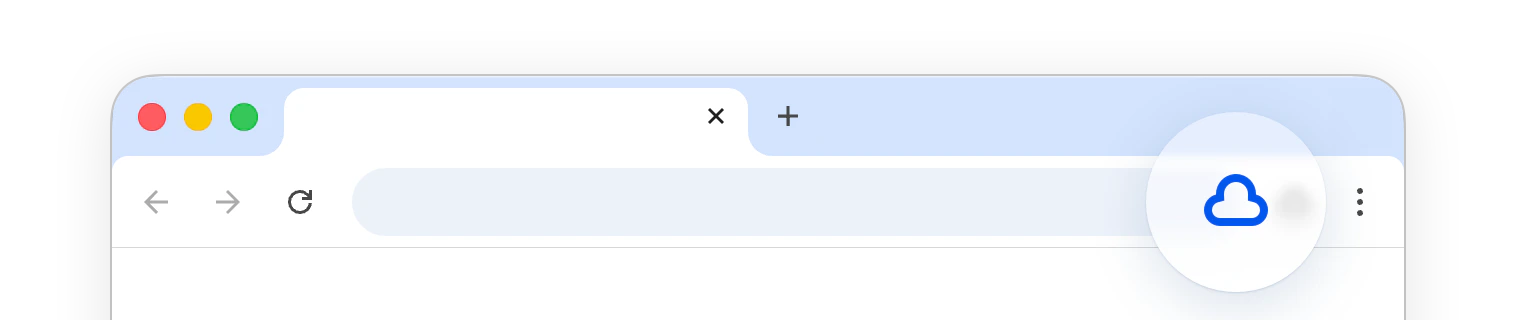
There are many other ways to add bookmarks (including on mobile), you can even upload your own files.
Organize
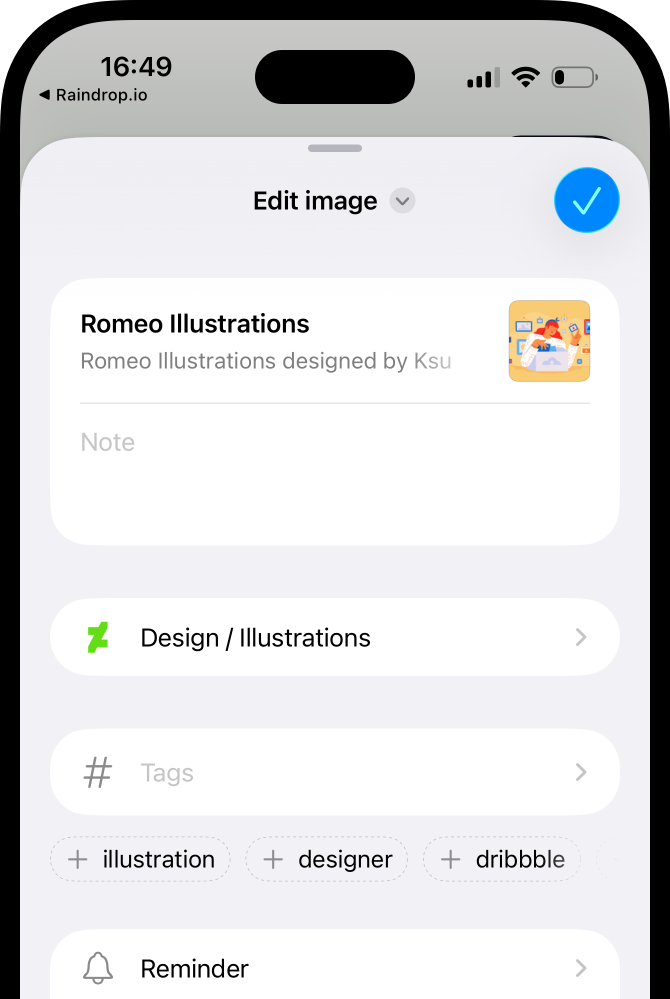
When saving you can pick a collection and add tags. Think of collections as folders, and tags as labels liketo-read, important, or gift.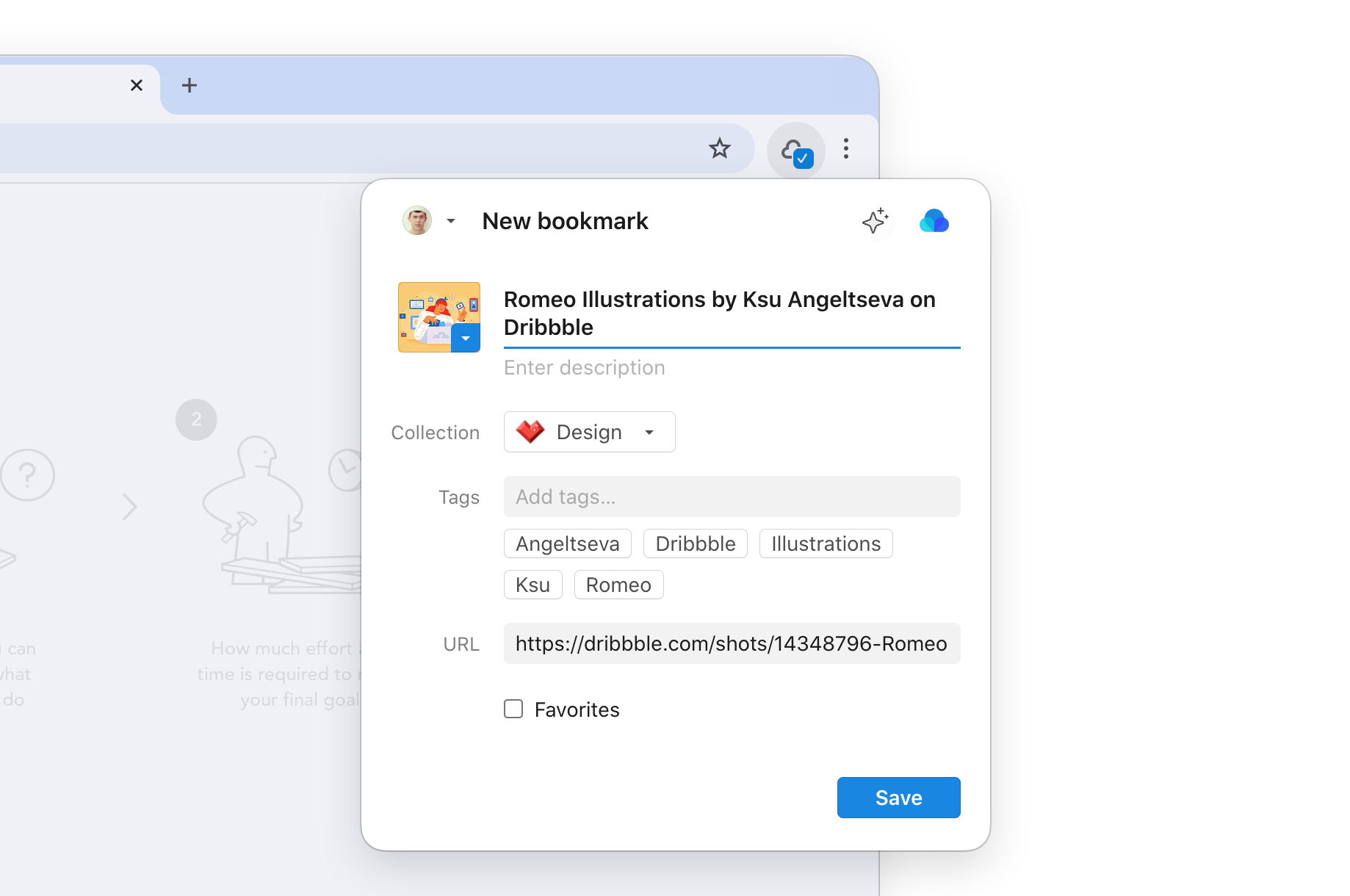
Highlight what matters
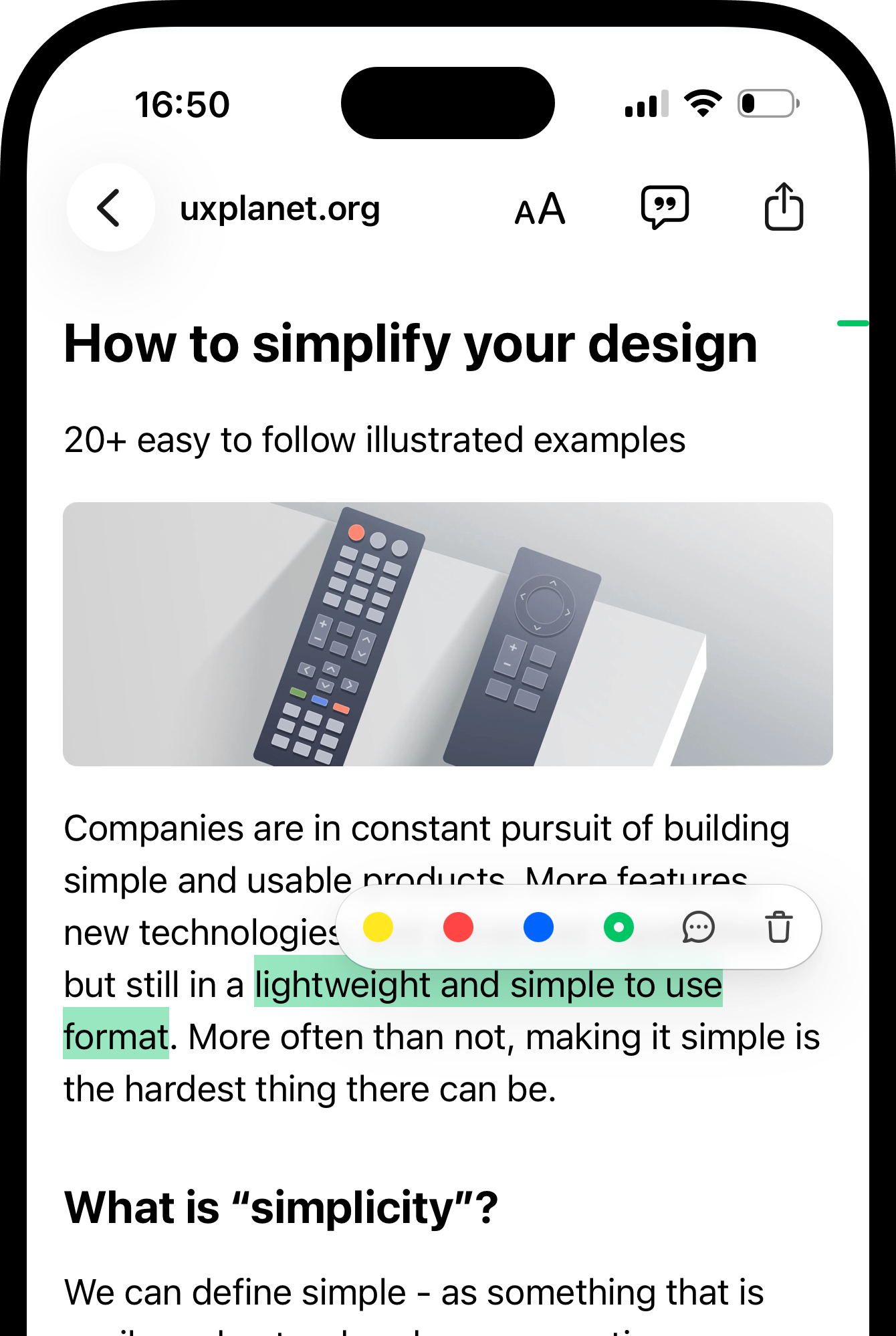
You’ve saved a page, but what about the key parts? Select any text, right-click and choose Save highlight — next time you open that bookmark, your highlights are right there, across all your devices.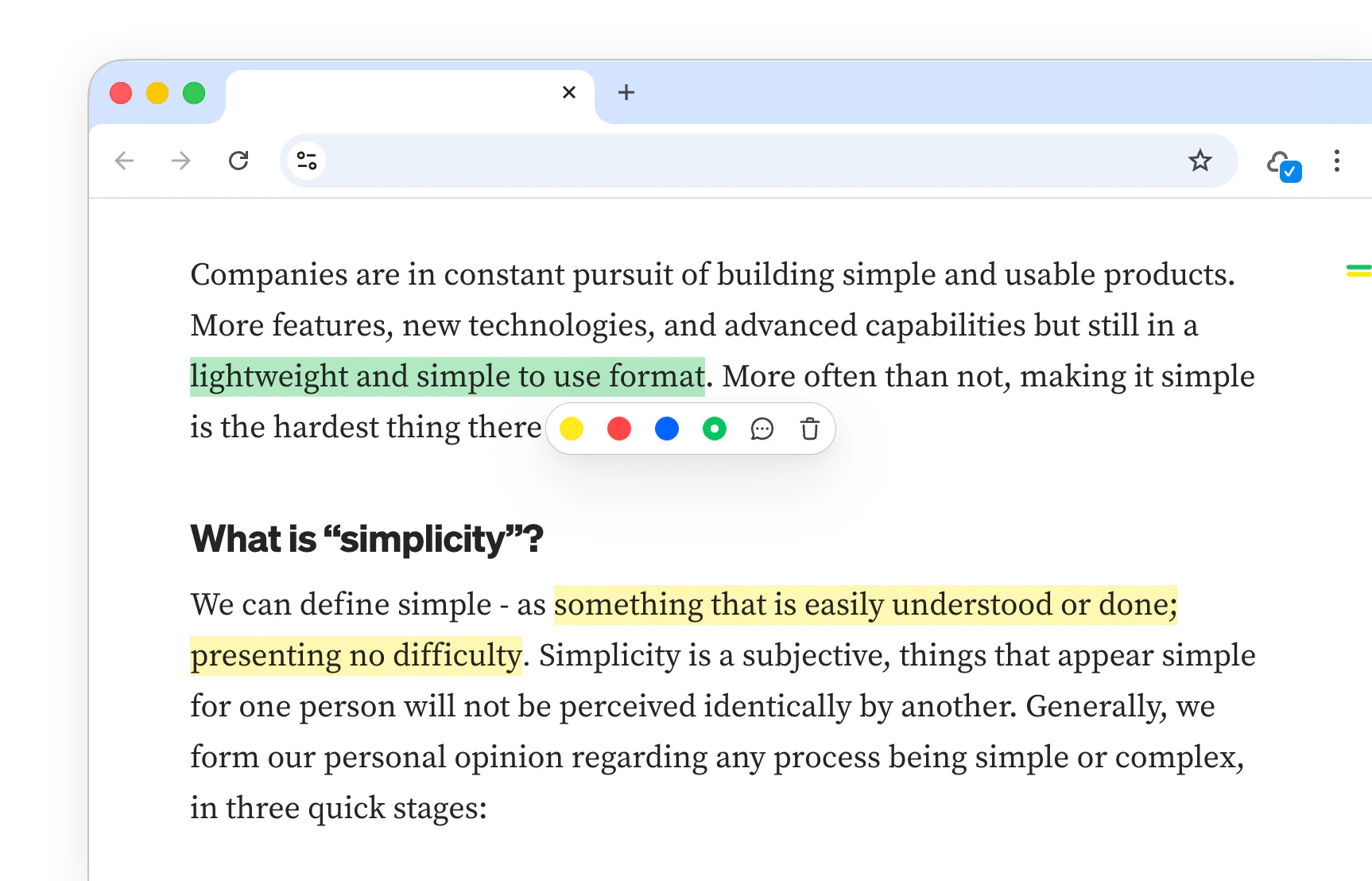
Find what you’ve saved
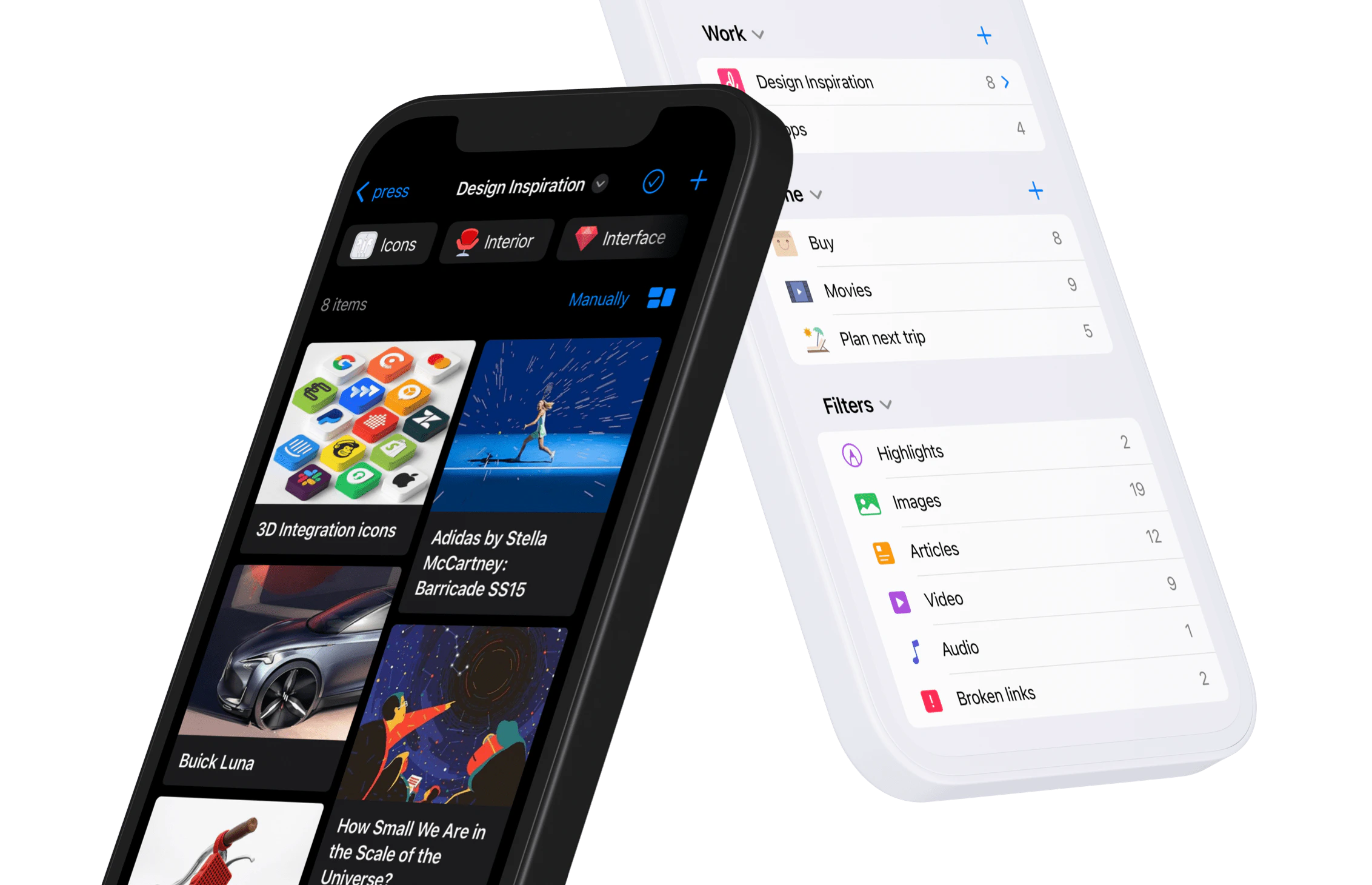
Access your bookmarks and highlights from anywhere — pick the web app, desktop app, or mobile app, whichever suits you best. Everything stays in sync automatically.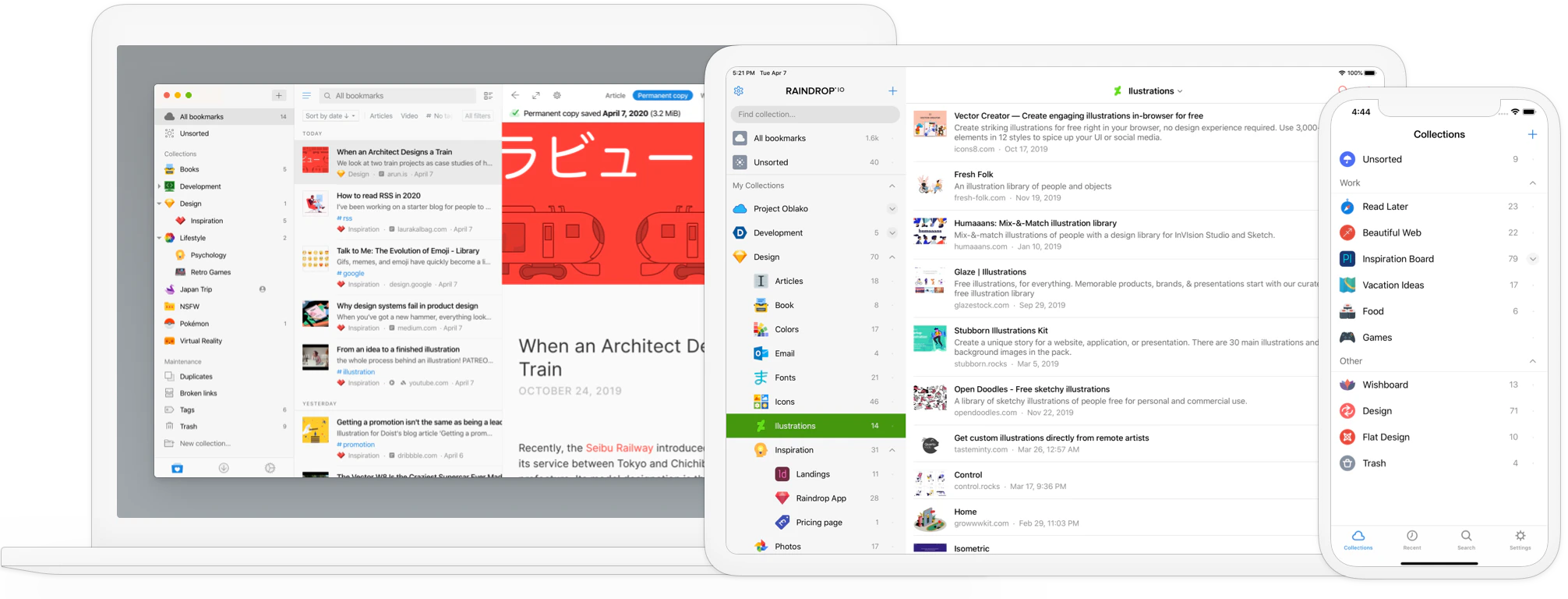
Chat with your library
Over time your library becomes your personal knowledge base. Stella lets you chat with it — ask questions, get summaries, find things you vaguely remember, or have it organize your collections for you.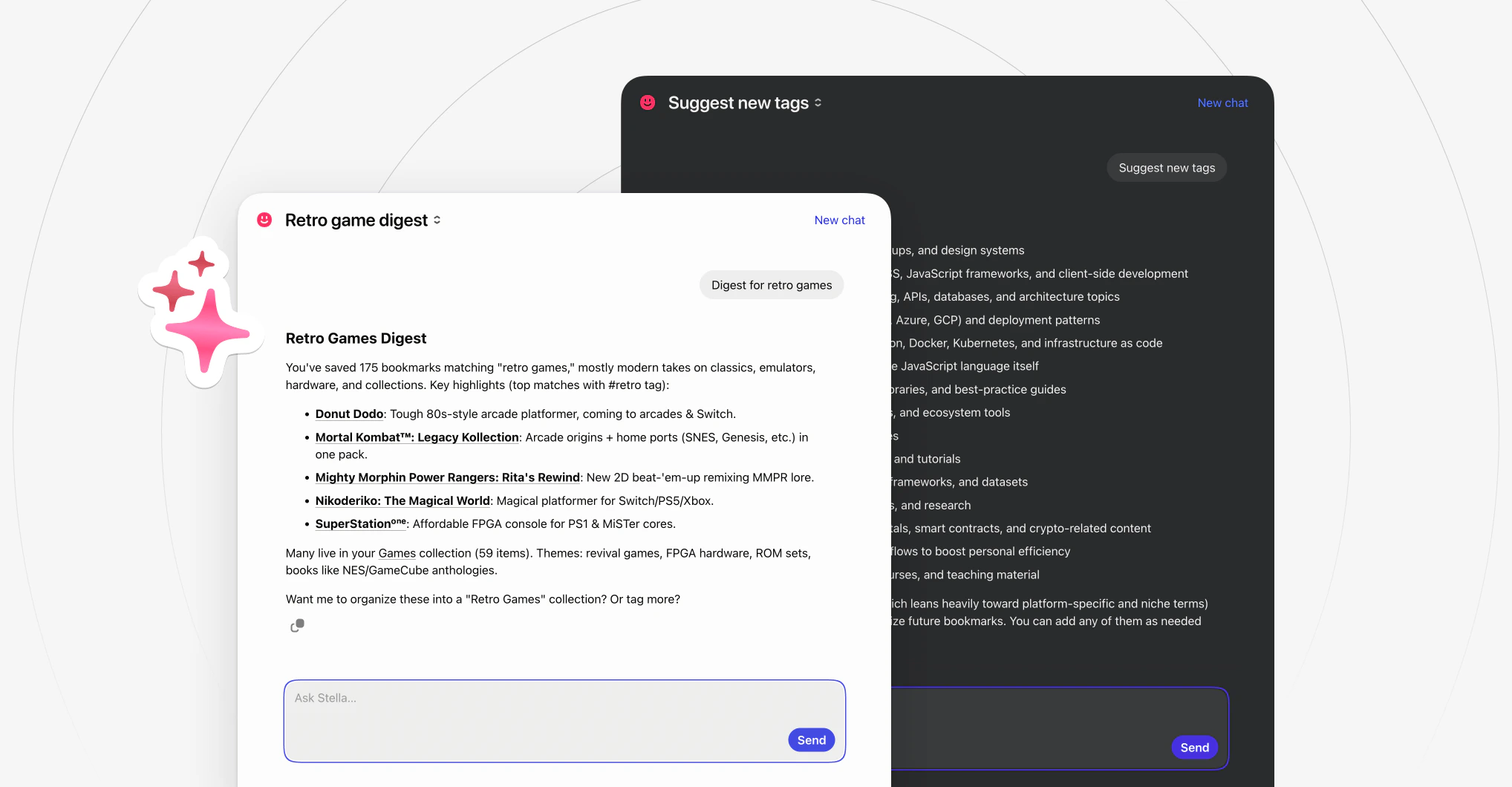
Next steps
You’ve got the basics down. Raindrop.io is much more than a bookmark manager — it can become your personal knowledge hub. Here are some things to explore next.Import your bookmarks
Bring existing bookmarks from your browser or other apps
Upload files
Add documents, videos, images, and books to your library
Connect other apps
Sync with other apps and build powerful automations
Share with others
Publish collections publicly or invite a team to collaborate